








Kai · Paid plan
Kai, the AI assistant that creates your invoices and proposals when you ask
Kai is an AI assistant that creates invoices and proposals, builds questionnaires, adds clients and updates records inside your portal, all from a plain instruction typed in normal language. You describe what you want. It builds it. You check it and send it.
This is the part of Kaizen people tell their friends about.

Kai, the AI assistant
build an onboarding questionnaire for a website client
Website onboarding
9 questionsWhat does success look like for this site?
Who are you trying to reach?
Which pages do you already have content for?
Do you have brand assets we should work from?
Nine questions, structured, ready to send. Building a form usually takes longer than filling one in — which is why most people never get round to it.
What you can ask it to do
Anything you would otherwise click through menus to build.
Create things
- Raise an invoice for Redwood Studio, £1,800 plus VAT, thirty day terms.
- Draft a proposal for a five page website, discovery, design, build, based on the Miller one.
- Build an onboarding questionnaire for a branding client.
- Add a new client: Harbour Coffee, contact Sam, sam@harbourcoffee.com.
Update things
- Mark the Redwood invoice as paid.
- Change the Harbour proposal to four phases and push the timeline back two weeks.
- Add these notes to the Miller project.
Find out what is going on
The underrated one.
- What is outstanding this week?
- Which proposals have not been signed yet?
- What has changed on the Harbour project since Friday?
- Show me everything for Redwood.
- Summarise the responses to the client satisfaction survey.
Kai can report across clients, projects, invoices, proposals, tasks, forms and portal activity, which means the Monday morning question of “what is actually happening” takes one sentence instead of twenty minutes of clicking. It stretches to genuine analysis too: send a questionnaire to fifty people and Kai will read every response and hand you the themes, rather than you working through fifty free-text answers yourself.
Speed
Why talking to it is genuinely faster
Every piece of software asks you to learn its map. Where the button lives, which menu hides the thing you need, how many screens deep the option sits. That knowledge is real work, and it evaporates the moment you take a fortnight off.
Talking to it removes the map. You do not need to know where invoicing lives to create an invoice. You just need to know you want one.
There is a second, quieter benefit. Every time you leave a task to go hunting through an interface, you pay a switching cost, and research on task-switching suggests those small mental blocks can consume up to 40 per cent of productive time. Saying what you need and staying where you are is not just convenient. It protects the concentration you were using for the actual work.
what is outstanding this week?
Two invoices, £4,680 in total. Harbour Coffee is six days past its due date; Redwood was sent on Monday and is not due yet.
Outstanding this week
Control
You are always the one in charge
Everything it creates is a normal record inside your portal: fully editable, exactly the same as if you had built it by hand. If it gets something slightly wrong, you fix it the way you would fix anything else.
It works across the same features you already use, so nothing it makes is trapped in a special AI corner of the product.
- Kai drafts and creates. You approve and send.
- Everything it makes is a normal, fully editable record.
- Nothing goes to a client without you deciding it should.
Waiting for you
INV-0053
Harbour Coffee · Brand identity
It knows your business, not just the general idea of a business
Because Kai works inside your portal, it has your actual context. It knows your clients, your past proposals, your usual terms, your projects and your history. So “like the last one but for the coffee shop” is an instruction it can genuinely act on.
That context is what separates this from pasting a request into a general chatbot and then copying the result somewhere useful. Here, the result lands in the right place, attached to the right client, ready to send.
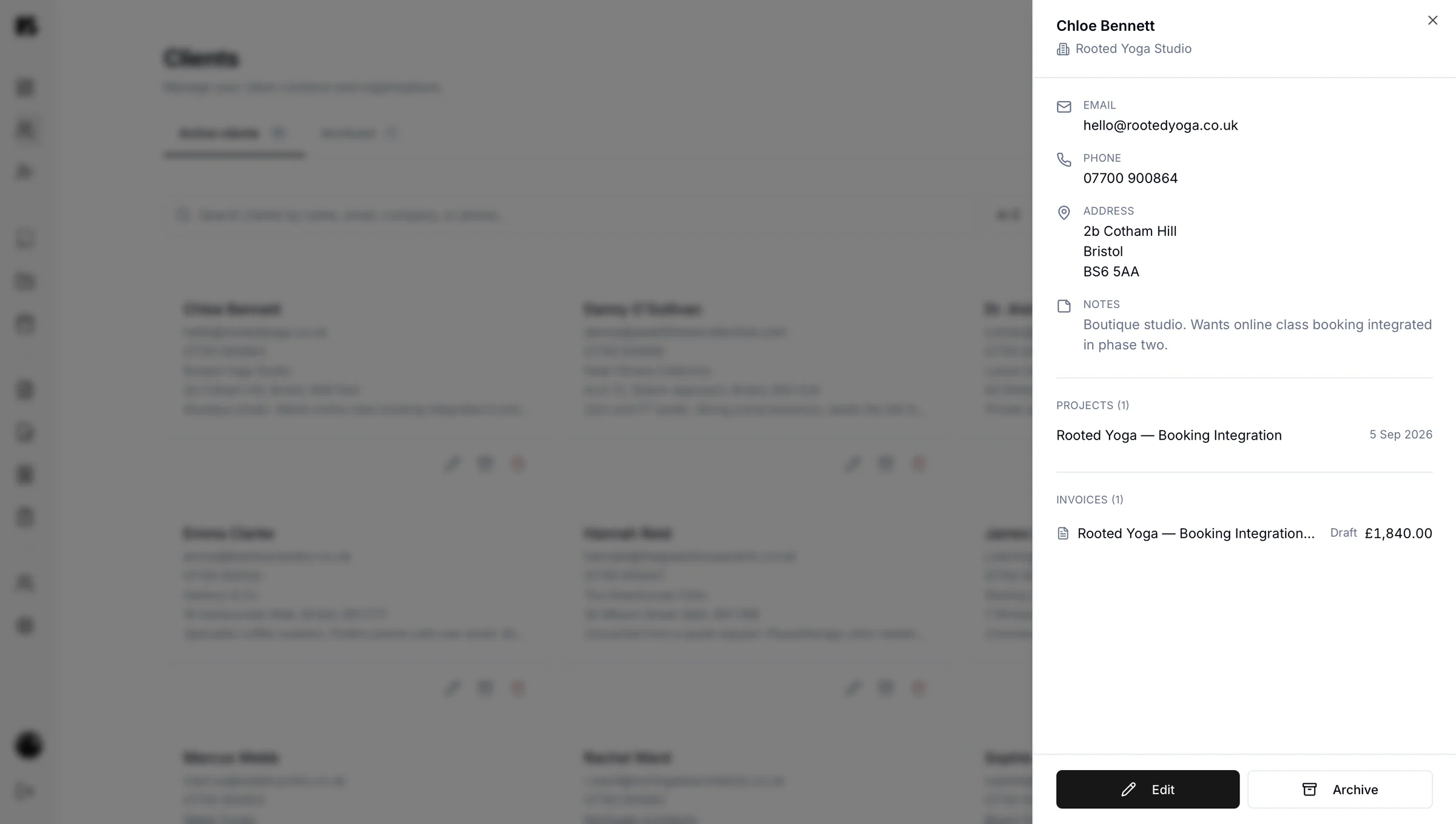
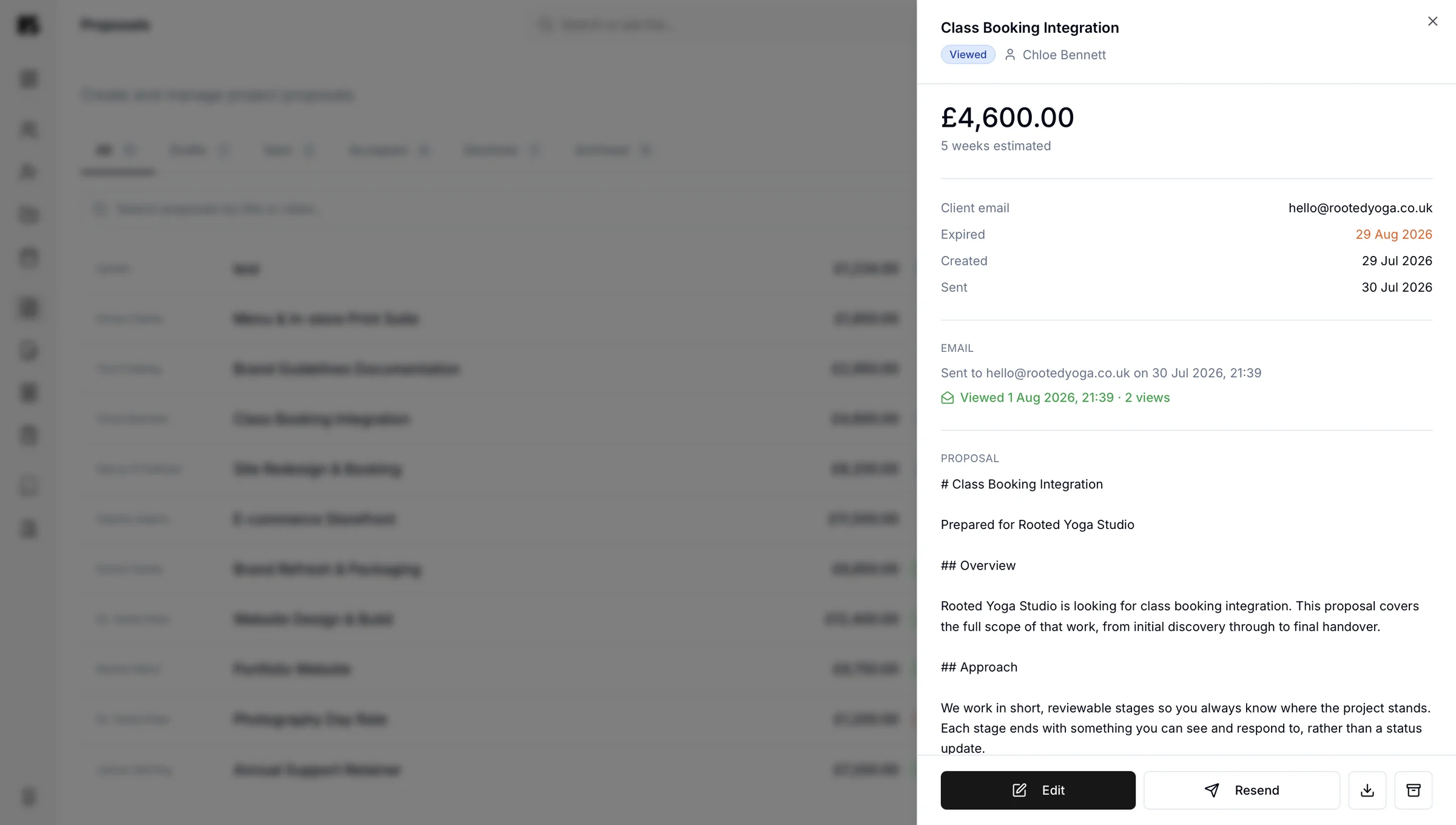
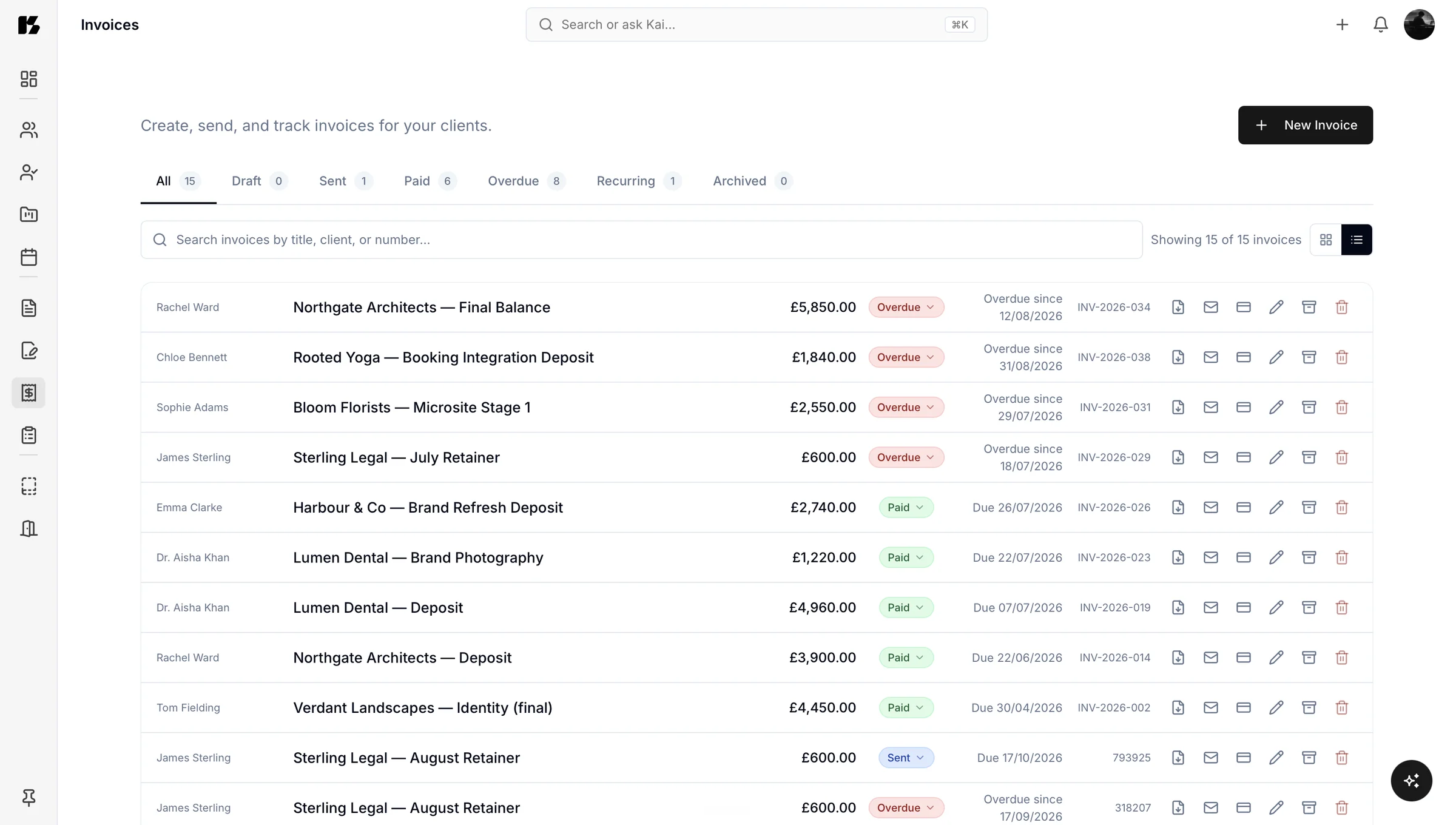
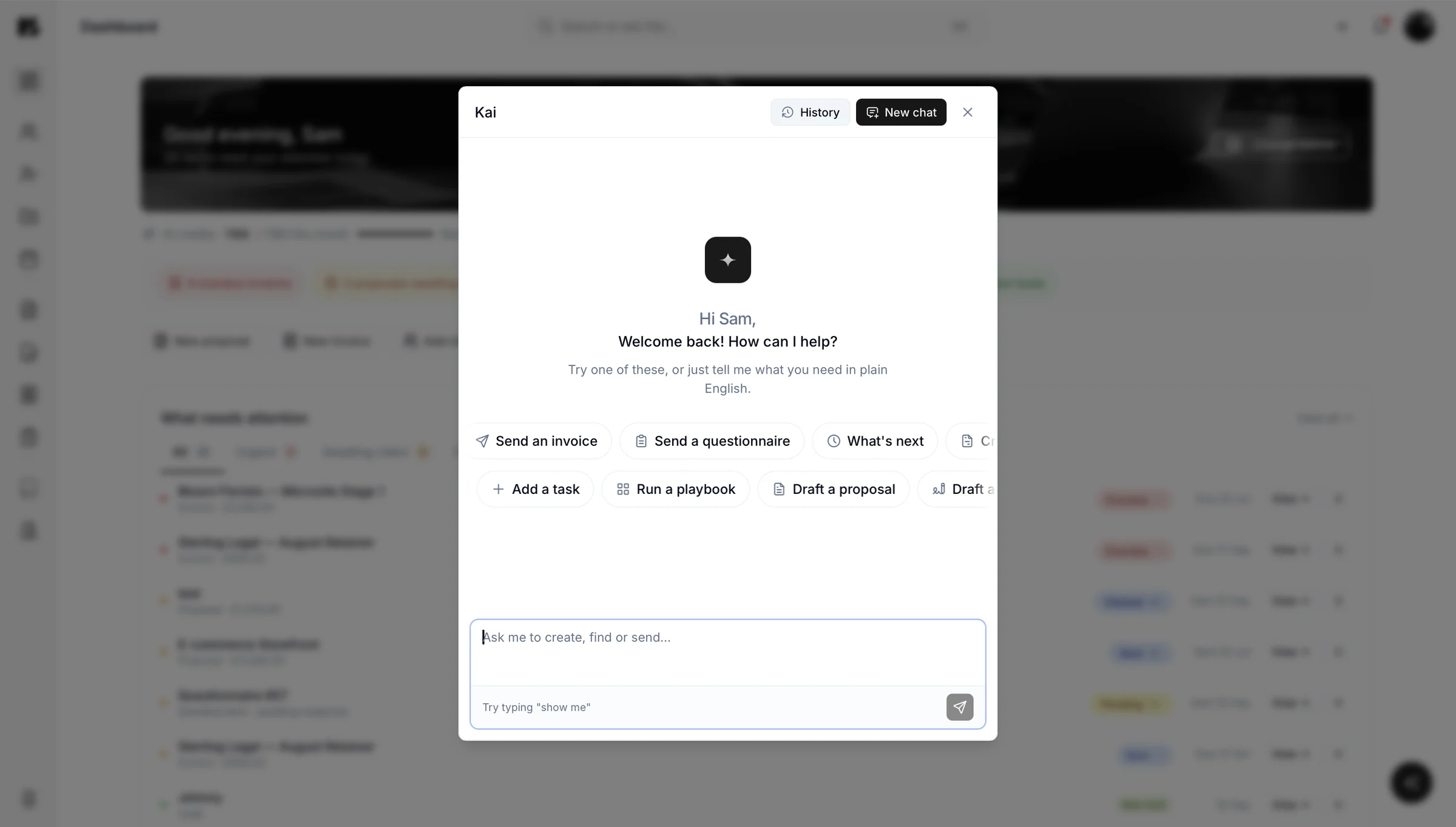
Where to see it working. Kai touches every part of the portal.
It is most immediately useful on invoices and proposals, where the time saving is obvious, and quietly brilliant on questionnaires, where building a form usually takes longer than answering one.
See the full feature set, or book a walkthrough and we will show you it working on your own kind of job.

Questions about Kai
Yes, Kaizen includes an AI assistant that creates invoices and proposals from a plain instruction, inside your own business portal. You type what you need in normal language, for example “invoice Redwood Studio £1,800 plus VAT on thirty day terms”, and it builds the record ready for you to review and send. It can also create questionnaires, add clients and update existing records.
Kai works inside your portal, so it can read and act on your real client, project, invoice and proposal information. You give it an instruction in normal language and it creates or updates the relevant record, then shows it to you for approval. Because it has your history, you can reference past work, for example “like the last proposal but for the new client.”
No, Kai never sends anything to a client on its own. It drafts and creates, and you decide what goes out. Every record it makes is fully editable before it leaves your portal.
No, Kai exists precisely so you do not have to learn where everything lives. You can run most of your portal by describing what you want, and use the normal interface whenever you would rather click. Both routes do the same thing, so use whichever is faster in the moment.
Your data stays inside your Kaizen portal and Kai works within it under your instruction. If you handle client information, you have obligations under UK data protection law, and keeping that information in one controlled system is significantly easier to manage than spreading it across inboxes and shared drives. Contact us if you need detail for a data processing assessment.
Yes, ask Kai to summarise the responses to a questionnaire and it reads every answer to produce a written analysis: the themes that came up most, where opinion was split, and what is worth acting on. It works whether the form went to one person or fifty.