








Projects and playbooks · Companion plan
Build your tasks once in a playbook, then run them on every project
In Kaizen, tasks live in playbooks. A playbook is where you create and manage the tasks for a type of work, and you assign it to a project when that work starts. Projects then show the task list, the dates and the progress.

The idea
Why tasks live in playbooks and not in projects
Most tools have you build a task list inside a project. It works once. The problem is the second project, and the fifth, and the fifteenth, because you rebuild the same list from memory every time and you forget the same step every time.
Kaizen turns that round. Tasks are created and managed in a playbook, which is a named process rather than a one-off list. Assign the playbook to a project and those tasks come with it.
So the work you do defining a process is done once and used permanently, instead of being retyped on every job.
The workflow
How playbooks work
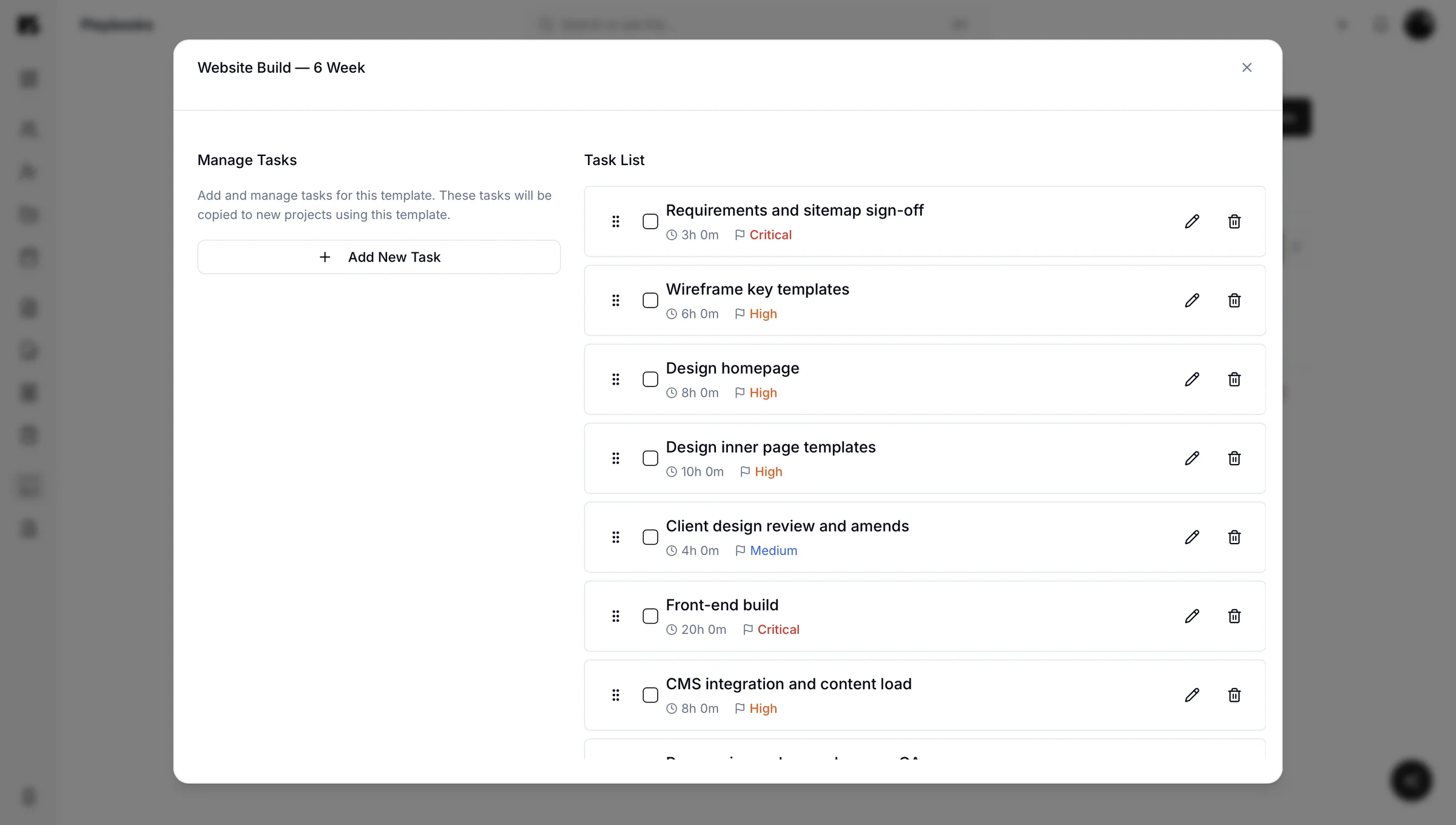
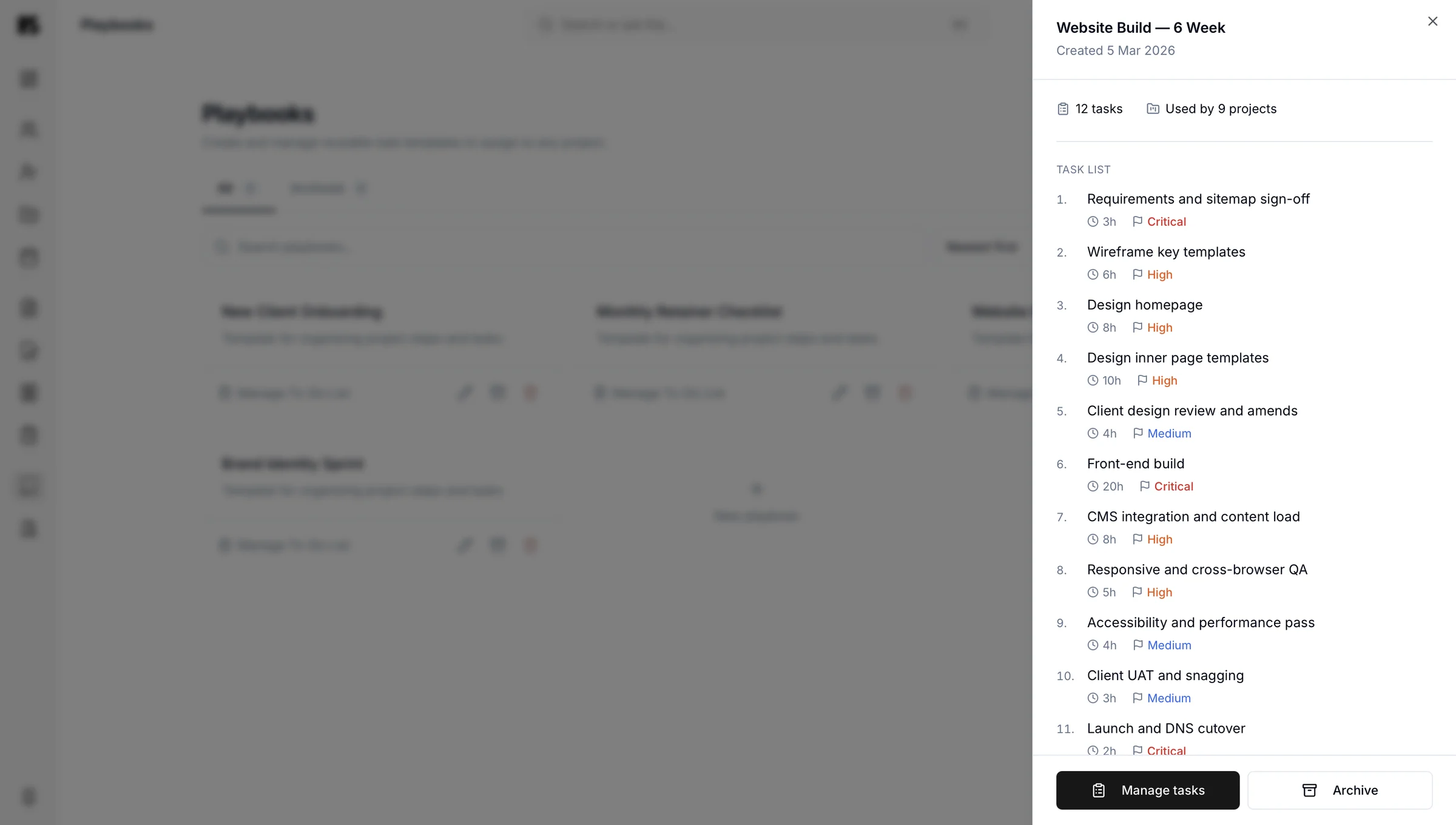
Create the tasks
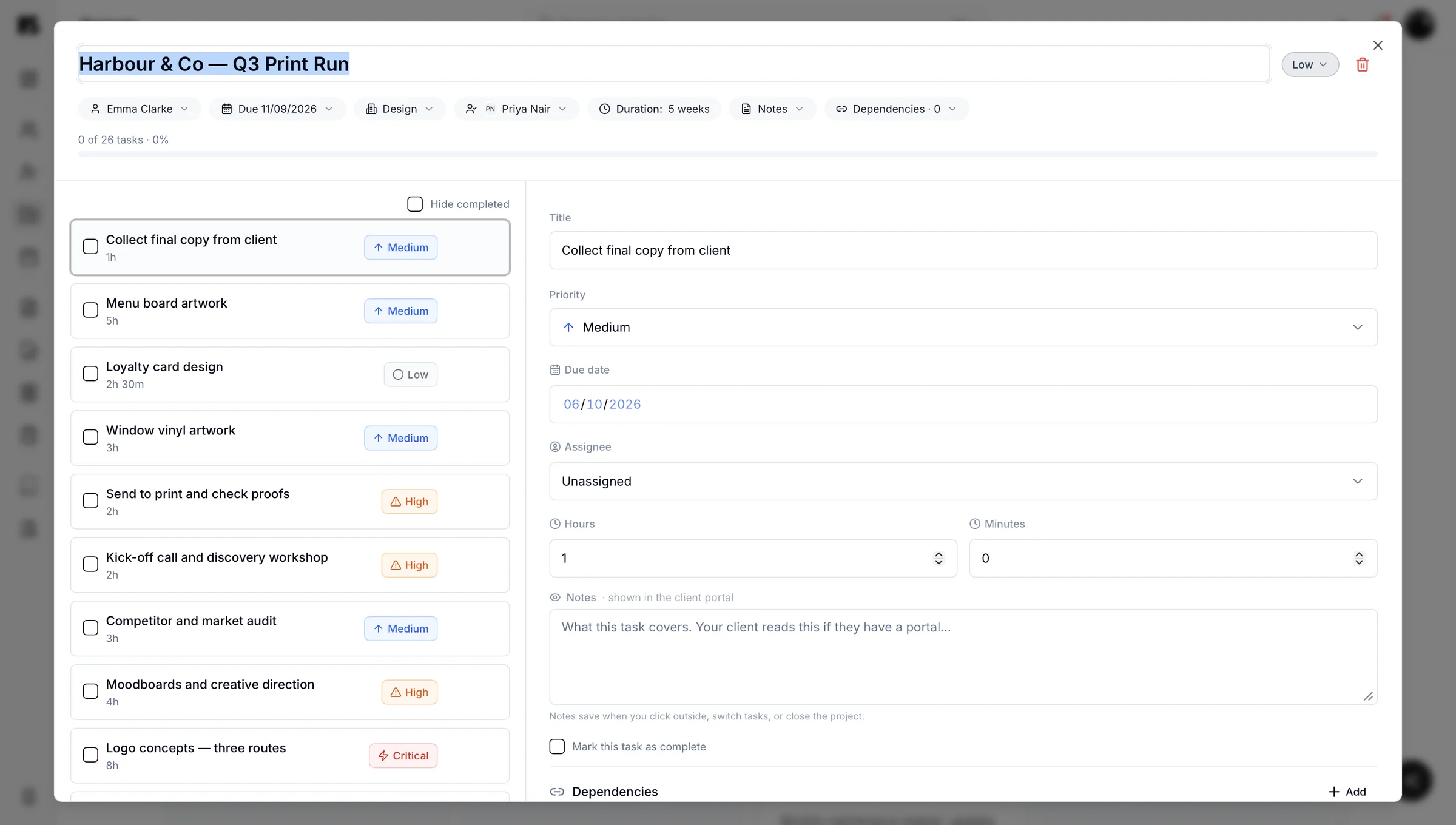
Build out the tasks for a type of job in a playbook: the stages, the order, the small things that are easy to skip when you are busy.
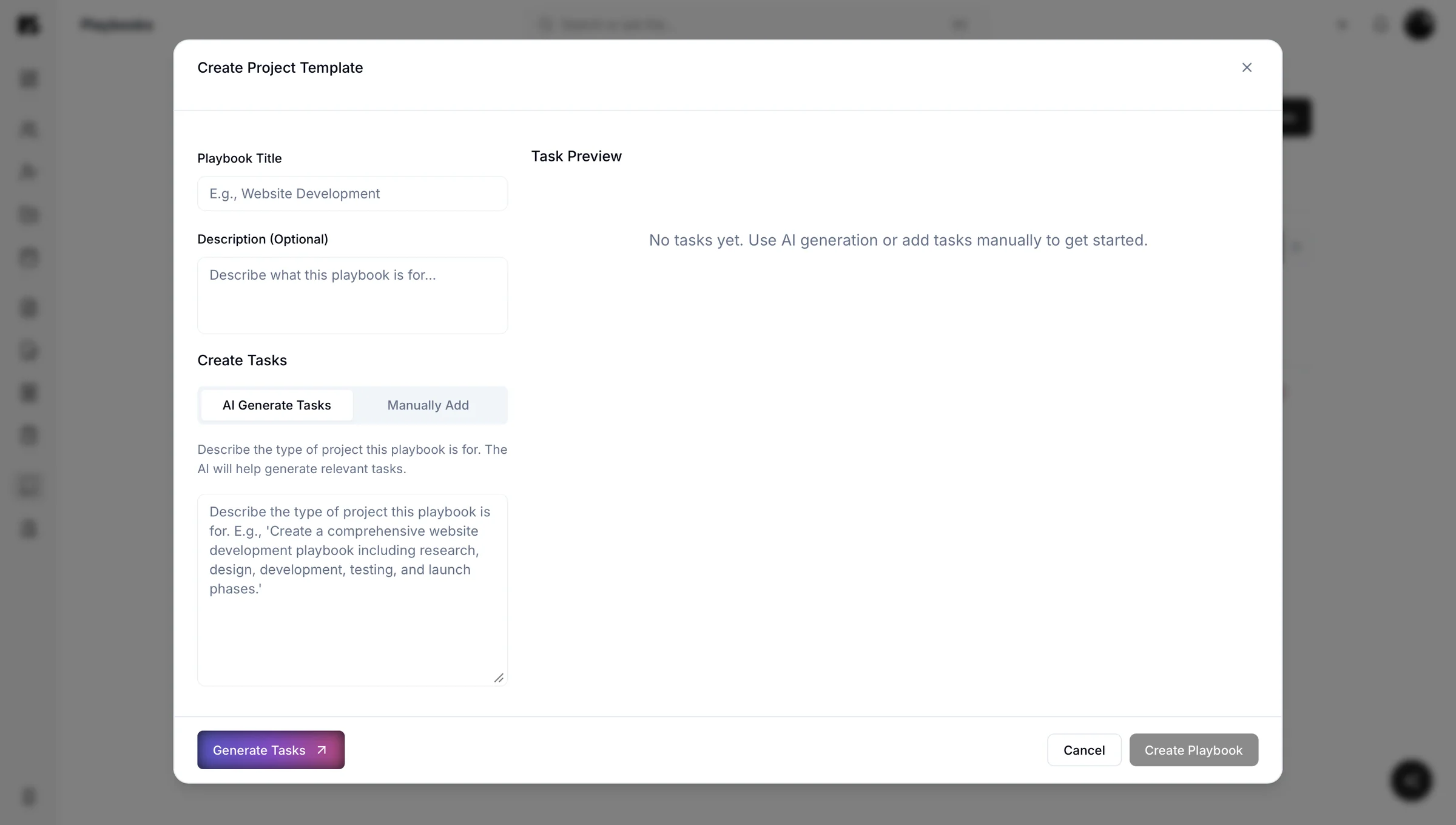
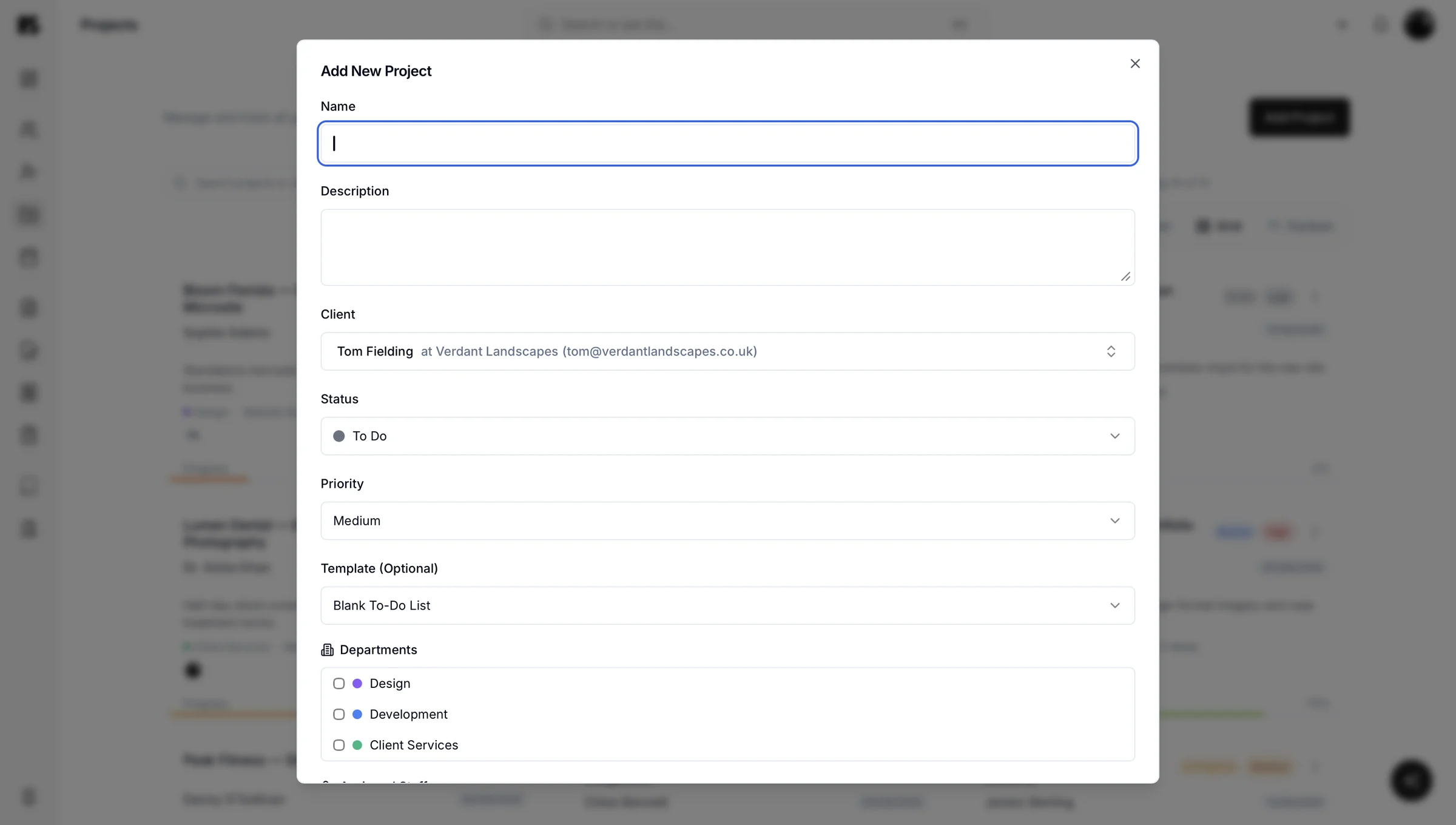
Assign it to a project
Start a project, assign the playbook, and the task list is there. No blank project, no trying to remember what came after handover.
Keep improving it
When you hit something you forgot, add it to the playbook. Every project you run makes the next one better, which is more or less what the word kaizen means.
You can have as many playbooks as you have types of work. A website build, a brand identity, a retainer month, an onboarding sequence.
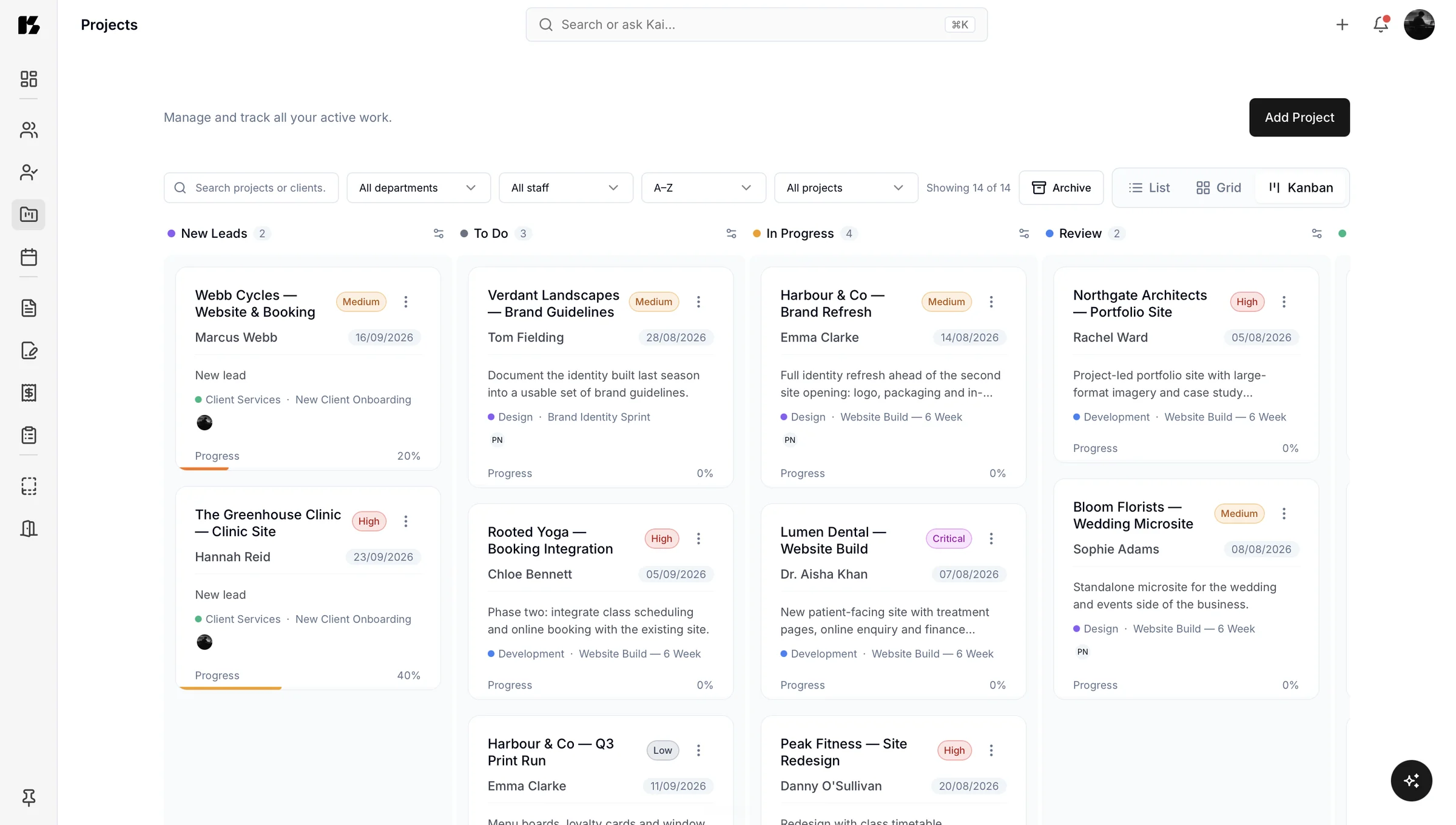
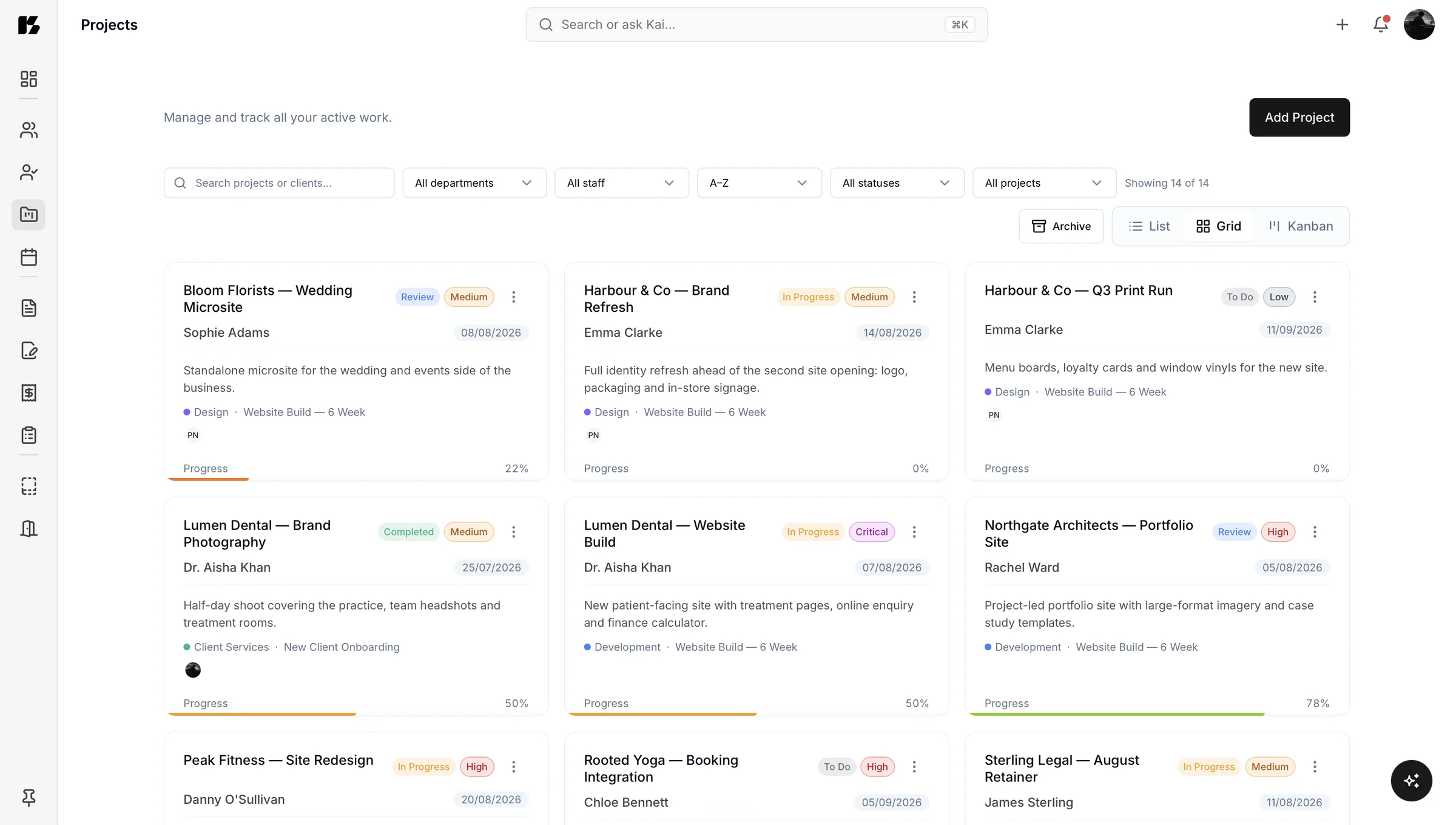
Projects show what is actually happening
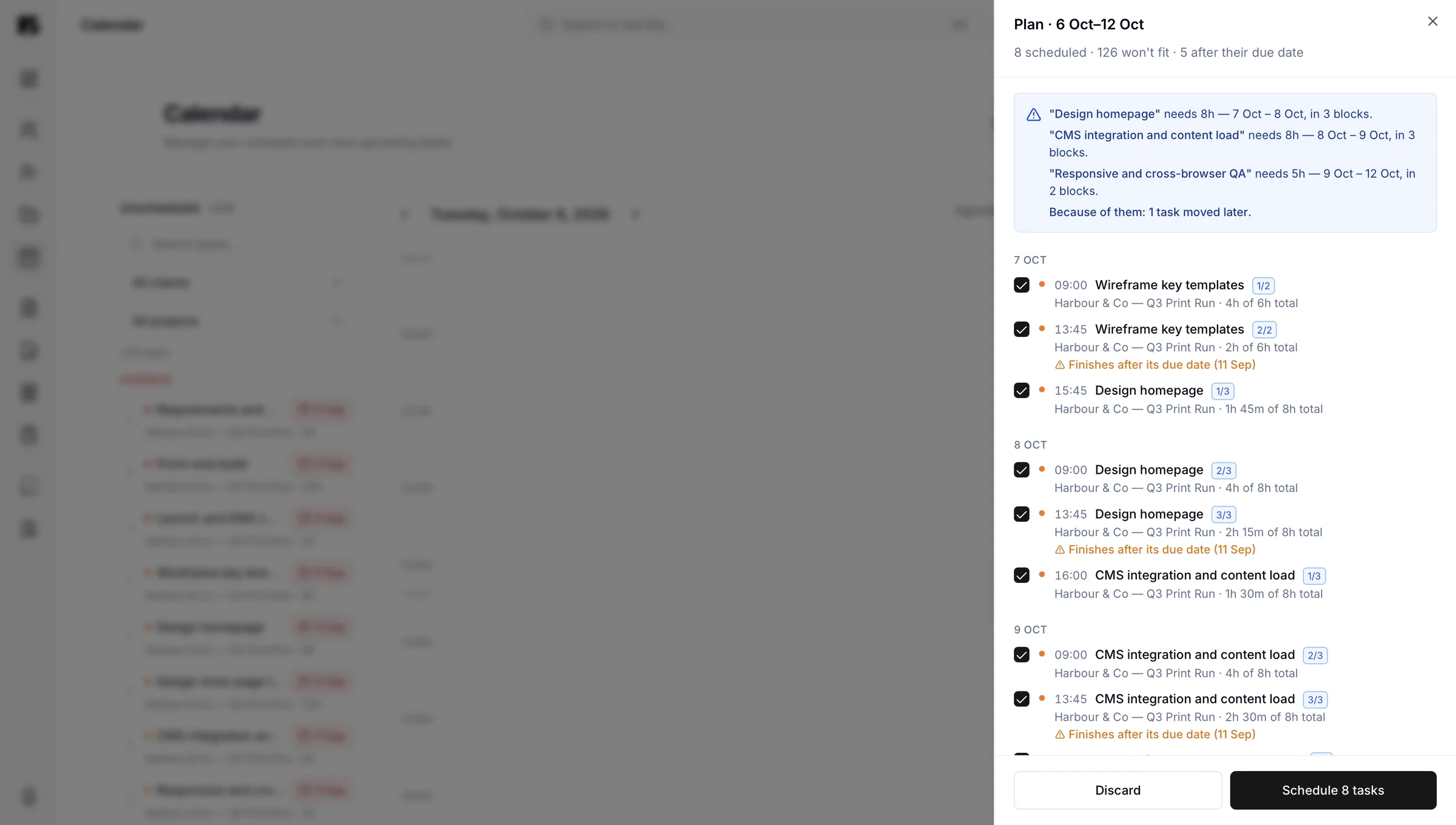
Each project shows its tasks, dates and progress. Not aspirational progress, actual progress.
That answers the Monday morning question every service business asks itself, which is “right, what is actually going on?” You can also just ask Kai and have it tell you.
For your client
Your client sees progress without asking for it
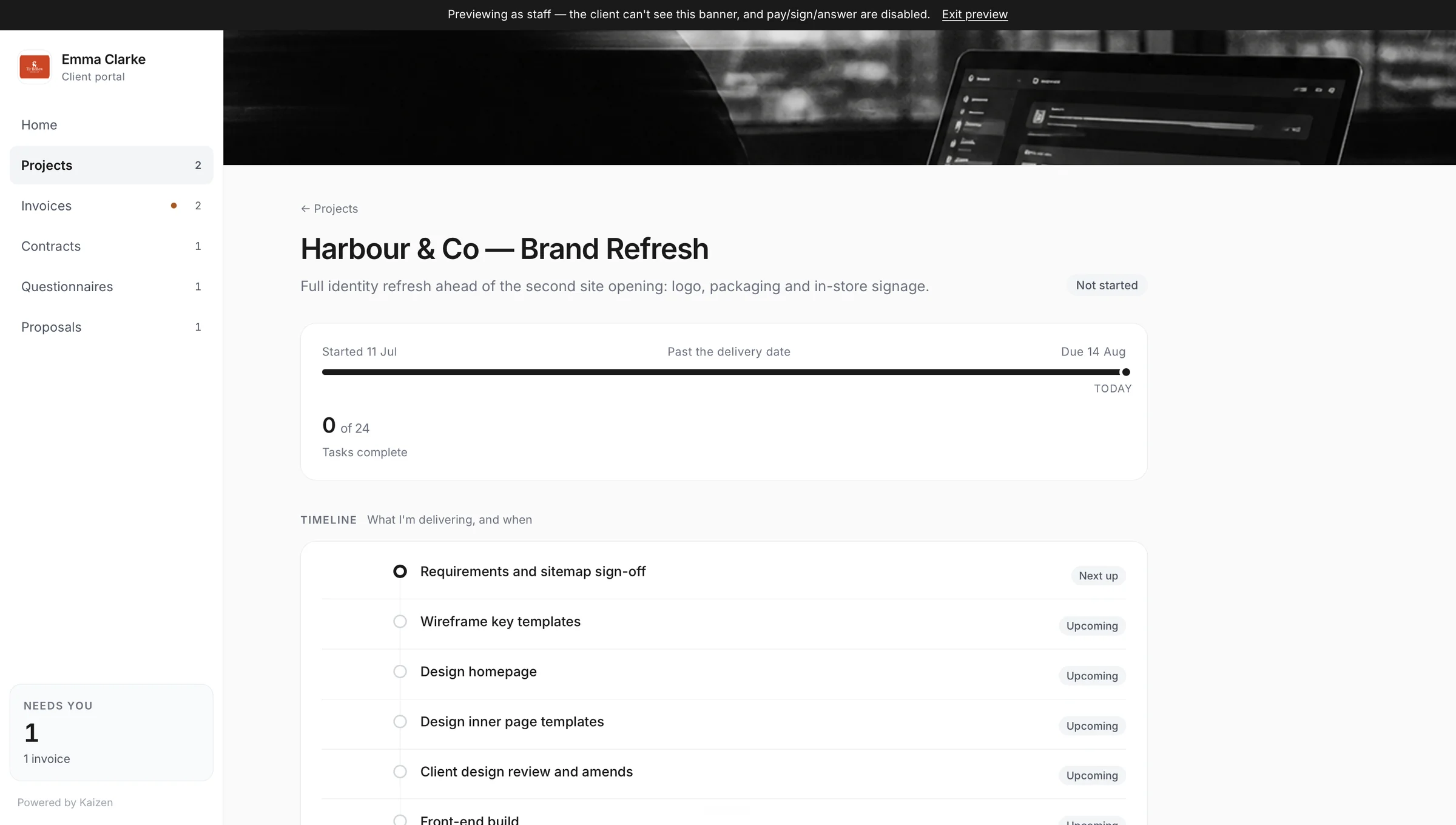
Projects appear in the client portal with the task list, the dates and the progress, automatically. You do not publish anything.
This kills a specific and tedious email: the one where a client asks how it is going, and you write three paragraphs summarising something you already know, on a Tuesday afternoon when you were doing the actual work.
It connects to everything else
A project sits with the client it belongs to, the proposal that started it, the contract that papered it and the invoices that came out of it.
So when a scope question comes up in month four, you are not reconstructing anything. It is all on one record, in order.
Projects, tasks and playbooks are on the Companion plan.
Questions about projects and playbooks
A playbook is where tasks are created and managed in Kaizen. Rather than building a task list inside each project, you build it once in a playbook for that type of work, then assign the playbook to any project. The tasks come with it.
Tasks are created in playbooks, not directly inside projects. You build the task list for a type of work once, then assign that playbook to a project. This is deliberate: it means defining a process is a one-off job rather than something you repeat on every project.
You stop forgetting steps by creating your tasks in a playbook rather than rebuilding them inside each project. The playbook is the same every time, so the step you always skip when busy is already on the list. When you find something missing, you add it to the playbook and every future project gets it.
Yes, projects appear in the client portal with the task list, dates and progress, and they appear automatically without you publishing anything. It removes the status update email you would otherwise write from scratch.
Yes, a project sits with the client it belongs to, the proposal that started it, the contract that papered it and the invoices that came out of it. When a scope question comes up months later, the whole sequence is on one record in order.
Projects, tasks and playbooks are included on the Companion plan. They are not part of the free Basic plan.