








Questionnaires · Paid plan
Collect what you need from clients once, in a form, instead of across four emails
Kaizen questionnaires let you gather onboarding details, brand information, project requirements or feedback in a single form. Answers save straight to the client record, so the information sits with the project rather than in your inbox.

The four-email chase. Two weeks later you start the work and realise you still do not have their brand fonts.
You know the pattern. You ask three questions. They answer one. You ask again. They answer a different one and add something you did not ask about.
A questionnaire fixes this by asking everything at once, in a place designed to be filled in. Clients are usually happy to do it. Forms feel like a task with an end. Email feels like a conversation with none.

What you can build
Onboarding questionnaires, project briefs, feedback forms — and anything else you have typed to three different clients. If you have typed the same question to three different clients, it should be a form.
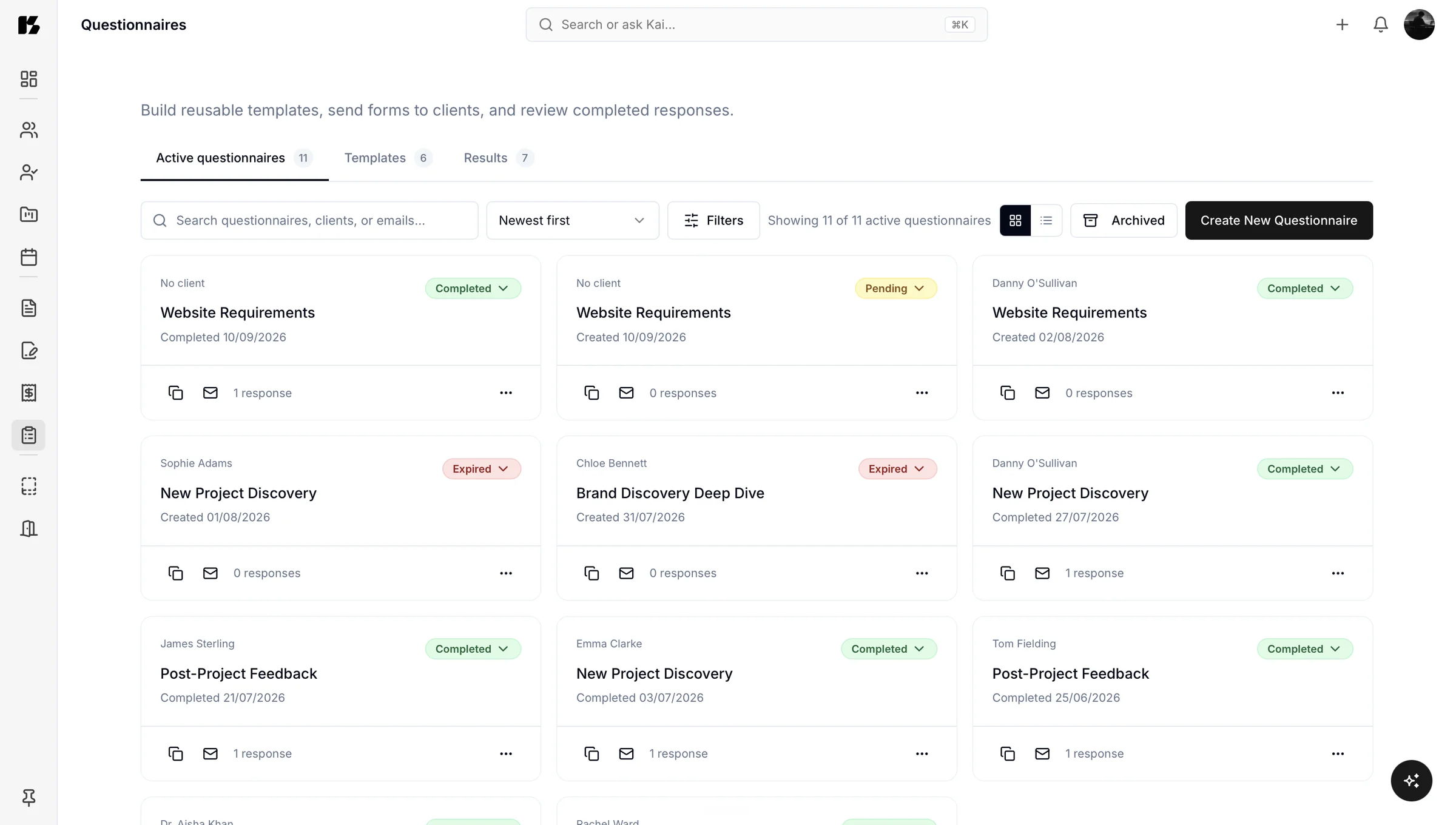
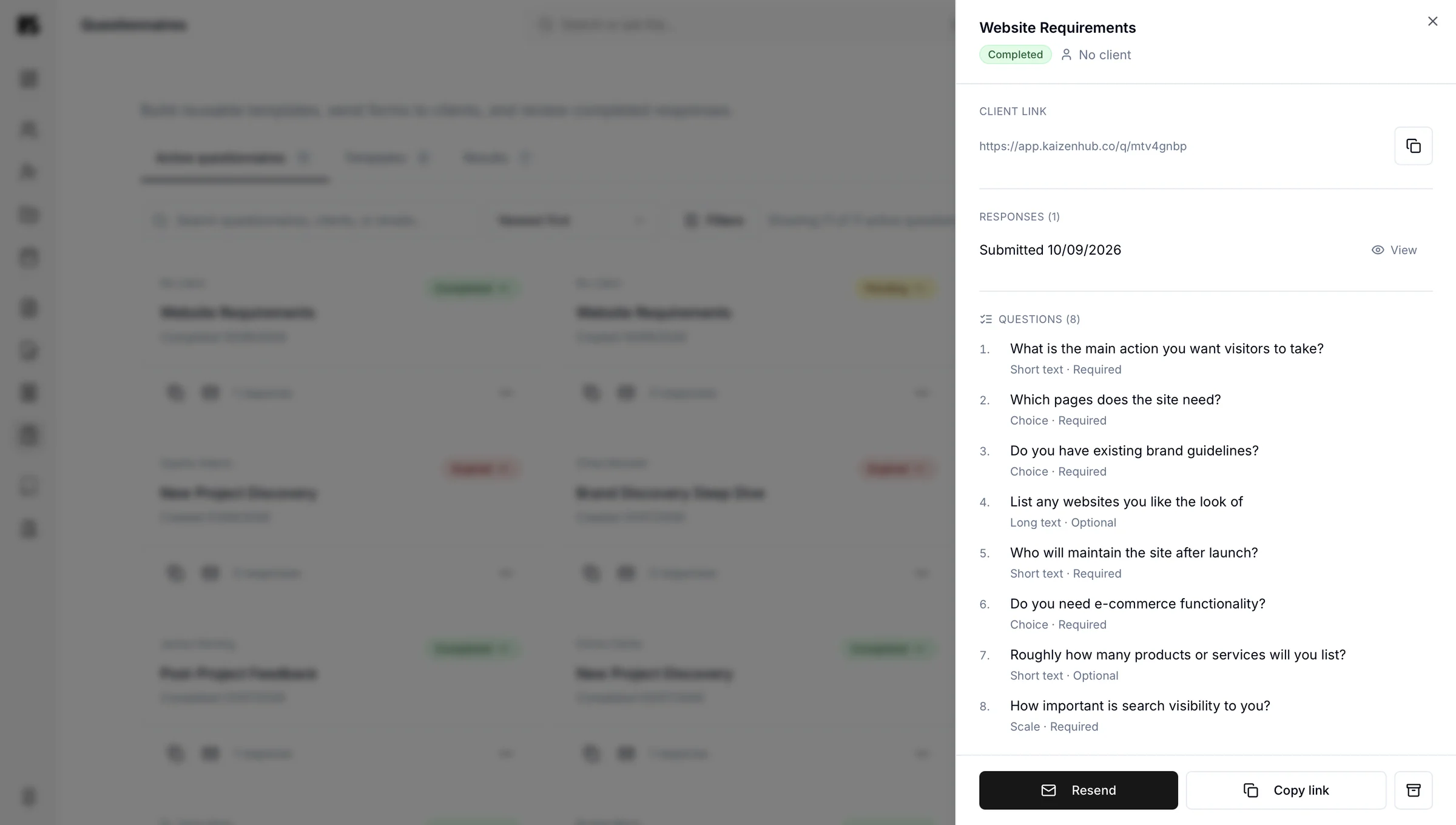
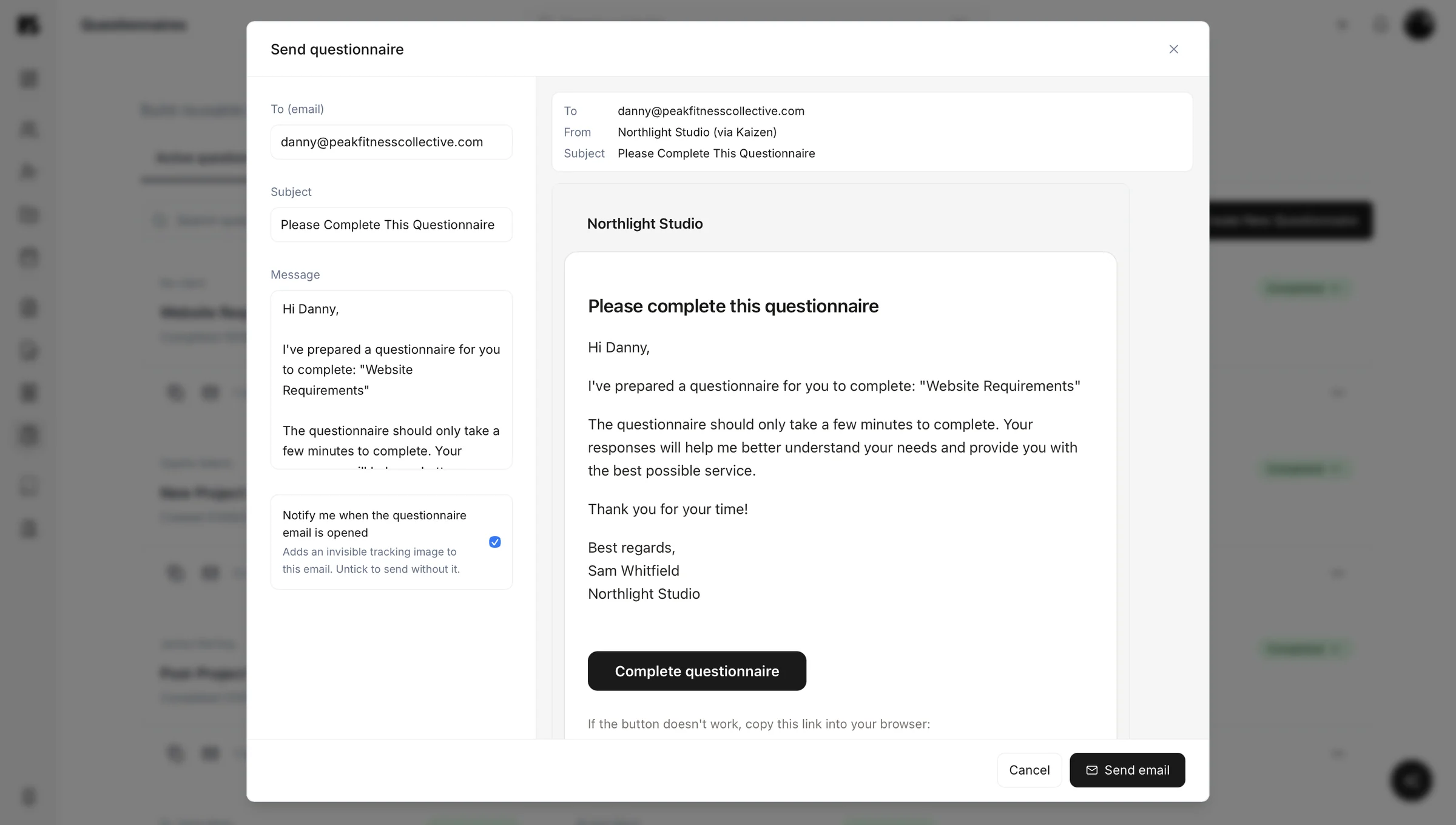
Four forms most service businesses end up with
Onboarding questionnaire
Everything you need before day one: goals, audience, competitors, brand assets, logins, contacts, deadlines. Replaces a fortnight of “sorry, one more thing”.
Project brief
Requirements gathering with the questions that actually shape the work, asked in the right order, rather than discovered halfway through design.
Feedback and review
Structured feedback instead of “can you make it pop”, which is the single most expensive sentence in the service industry.
Anything you ask repeatedly
If you have typed the same question to three different clients, it should be a form rather than something you retype each time.
One form, sent to many people
Every questionnaire in Kaizen works for a single client, or for a whole list at once. Send the same form to everyone on a project, every client you worked with this quarter, or a wider group you want an honest opinion from. Nobody fills in a different version, and you are not manually pasting the same form into ten separate emails.
That turns a questionnaire from an onboarding tool into something closer to a proper feedback instrument: the same questions, asked the same way, to as many people as you want an answer from.
Afterwards
Answers that stay useful
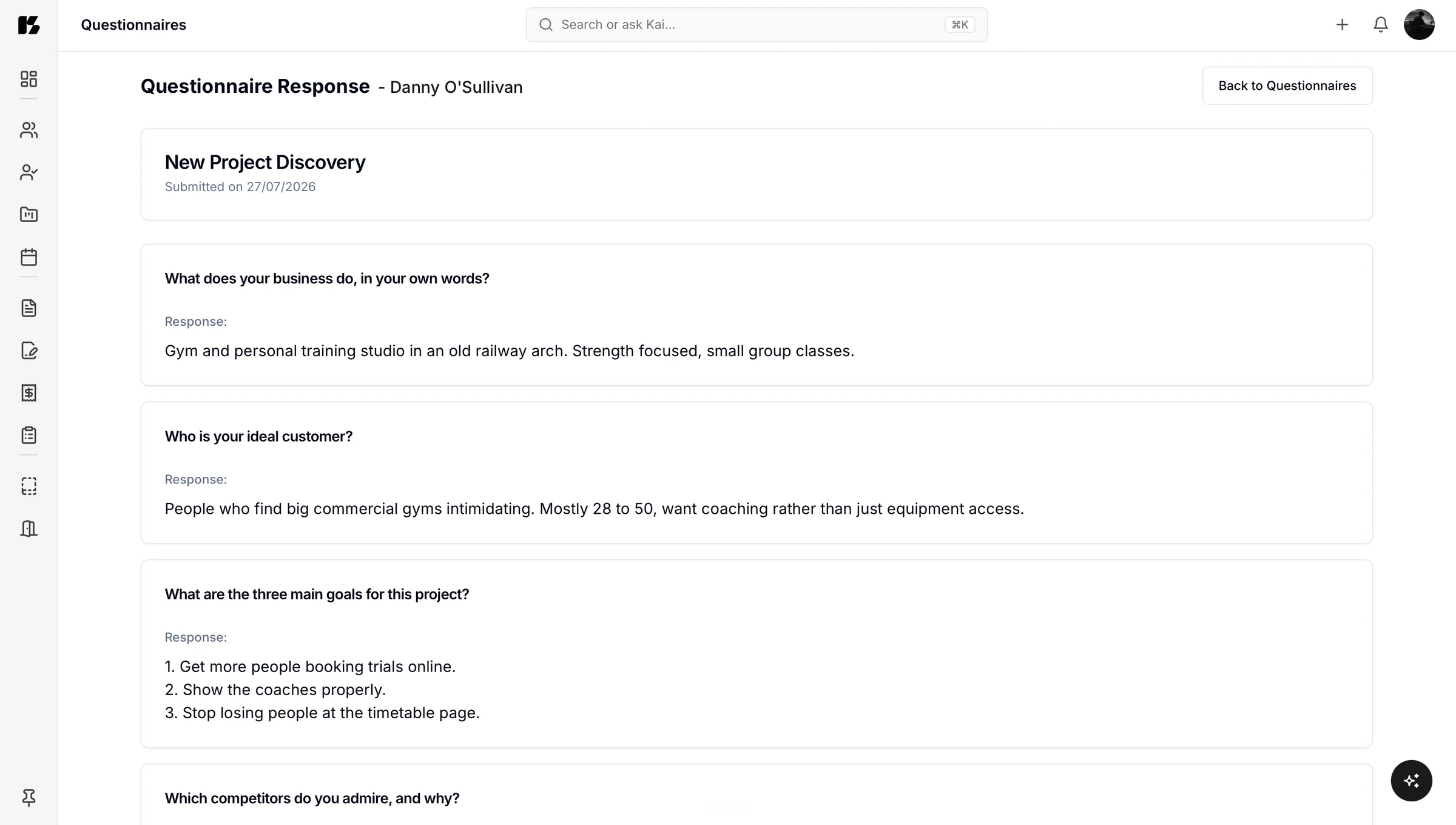
The real value is what happens after submission. Answers save to the client record and stay attached to the project, so in three months when someone asks “what did they say about the audience?”, the answer is one click away rather than a search through an archived thread.
That is the difference between collecting information and keeping it.
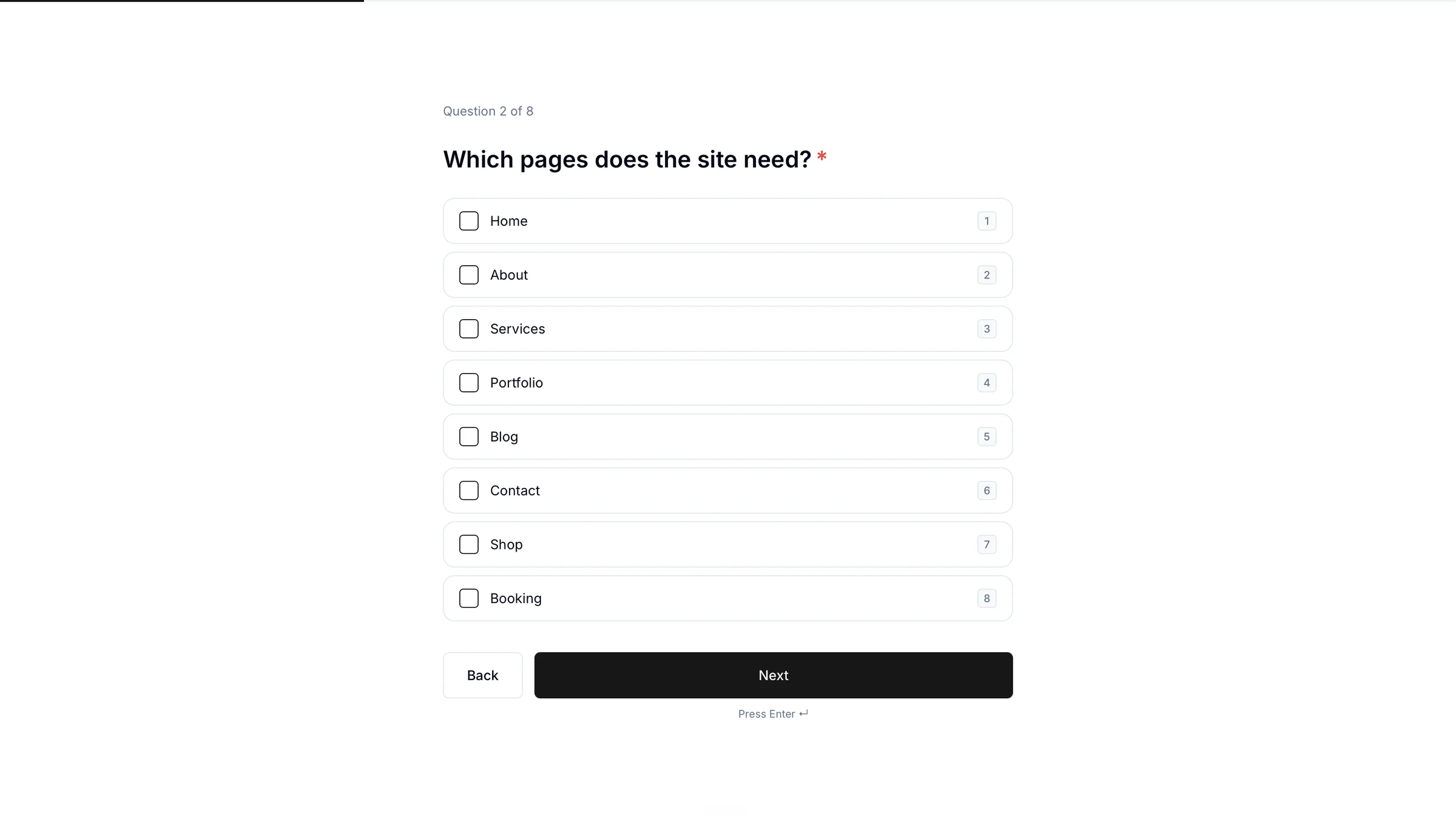
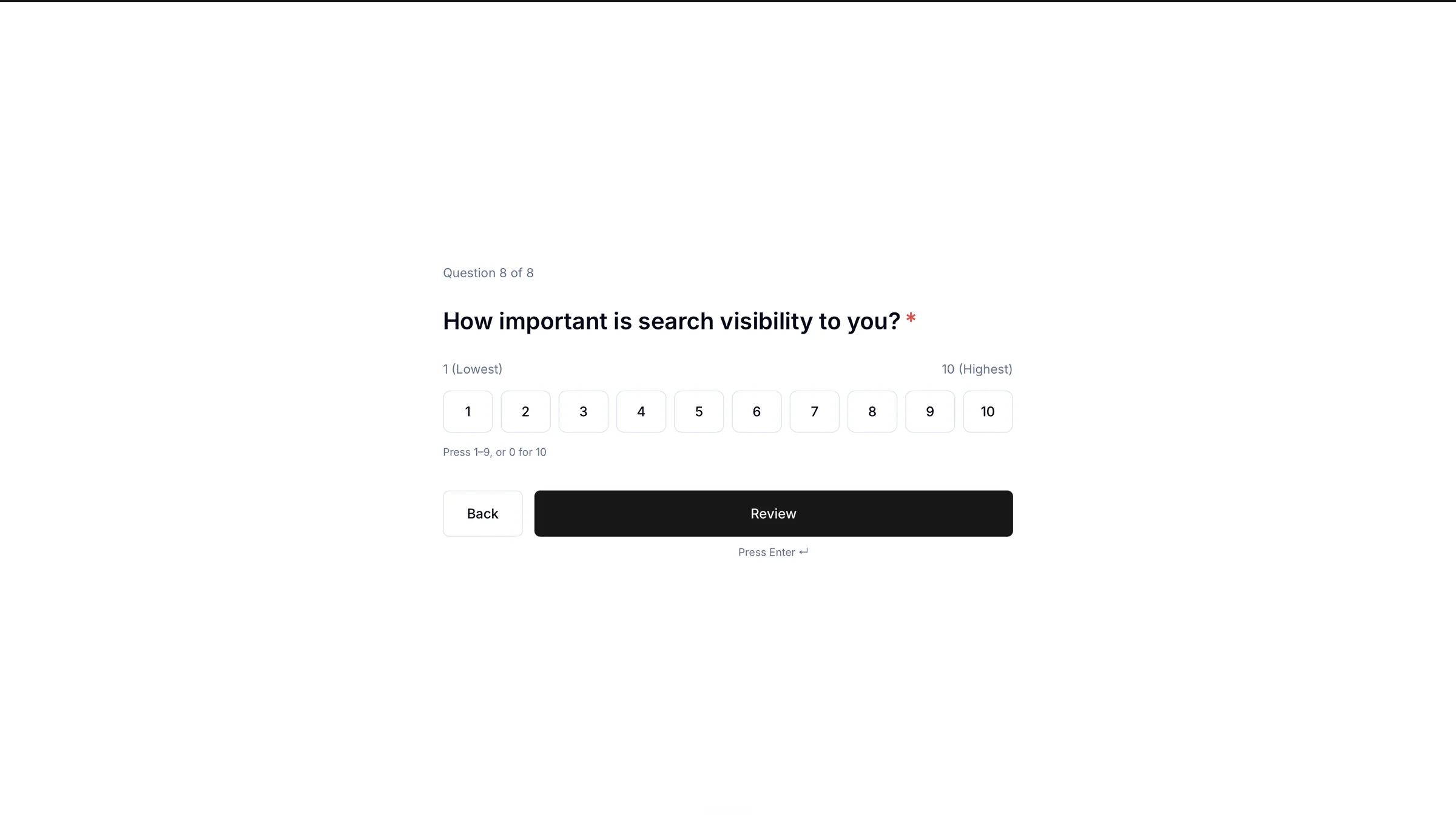
Kai, the AI assistant
Let Kai build the form
build an onboarding questionnaire for a website client, covering goals, audience, content, brand assets and timelines
Website onboarding
9 questionsWhat does success look like for this site?
Who are you trying to reach?
Which pages do you already have content for?
Do you have brand assets we should work from?
Building a questionnaire usually takes longer than filling one in, which is why so many people never get round to it. So do not build it. The form appears. Adjust anything you want, then send it. More on Kai.
Let Kai read the results for you
Ten answers are easy to read. Fifty are not, and that is usually where feedback forms go to die: you send it, the answers come back, and reading forty free-text responses properly never quite happens.
Ask Kai instead: “summarise the responses to the client satisfaction survey.” It reads every answer and gives you back a written analysis: the themes that came up repeatedly, where opinion was split, and what is worth acting on. Every individual answer is still there if you want to check something specific, but you are not the one reading all fifty first.
It fits with everything else. One place, nothing lost.
Send a questionnaire and the answers come back into the client record, sitting beside their proposal and their project.
If you collect personal information from clients, keeping it in one controlled system rather than scattered inboxes also makes your obligations under UK data protection law considerably easier to meet.
Questionnaire questions
A client onboarding questionnaire is a single form that collects everything you need before starting work, such as goals, audience, brand assets, contacts, deadlines and access details. It replaces the back-and-forth of asking for information in pieces over email. Sending one form at the start of a project typically saves several days of waiting later on.
Yes, Kai builds questionnaires from a plain instruction, for example “build an onboarding questionnaire for a website client covering goals, audience, content and timelines.” It generates the questions and structure, and you edit anything you want before sending. This removes the main reason people never make forms, which is that building one takes longer than the task it saves.
Answers save directly to the client record inside Kaizen and stay attached to the relevant project. That means the information is still findable months later, which is when you usually need it.
Yes, questionnaires can be reused across clients, so the form you build once works for every similar project afterwards. Most people end up with a small library of them: onboarding, project brief and feedback, each doing the same job every time without further effort.
Yes, a Kaizen questionnaire can go to a single client or to a whole list at once, so you can gather feedback from everyone on a project or a wider group in a single send, with everybody answering exactly the same questions.
Yes, ask Kai to summarise the responses to a questionnaire and it reads through every answer to give you a written analysis: the themes that came up most, where opinion was split, and what is worth acting on. This becomes genuinely useful once a form has more responses than you would comfortably read yourself.